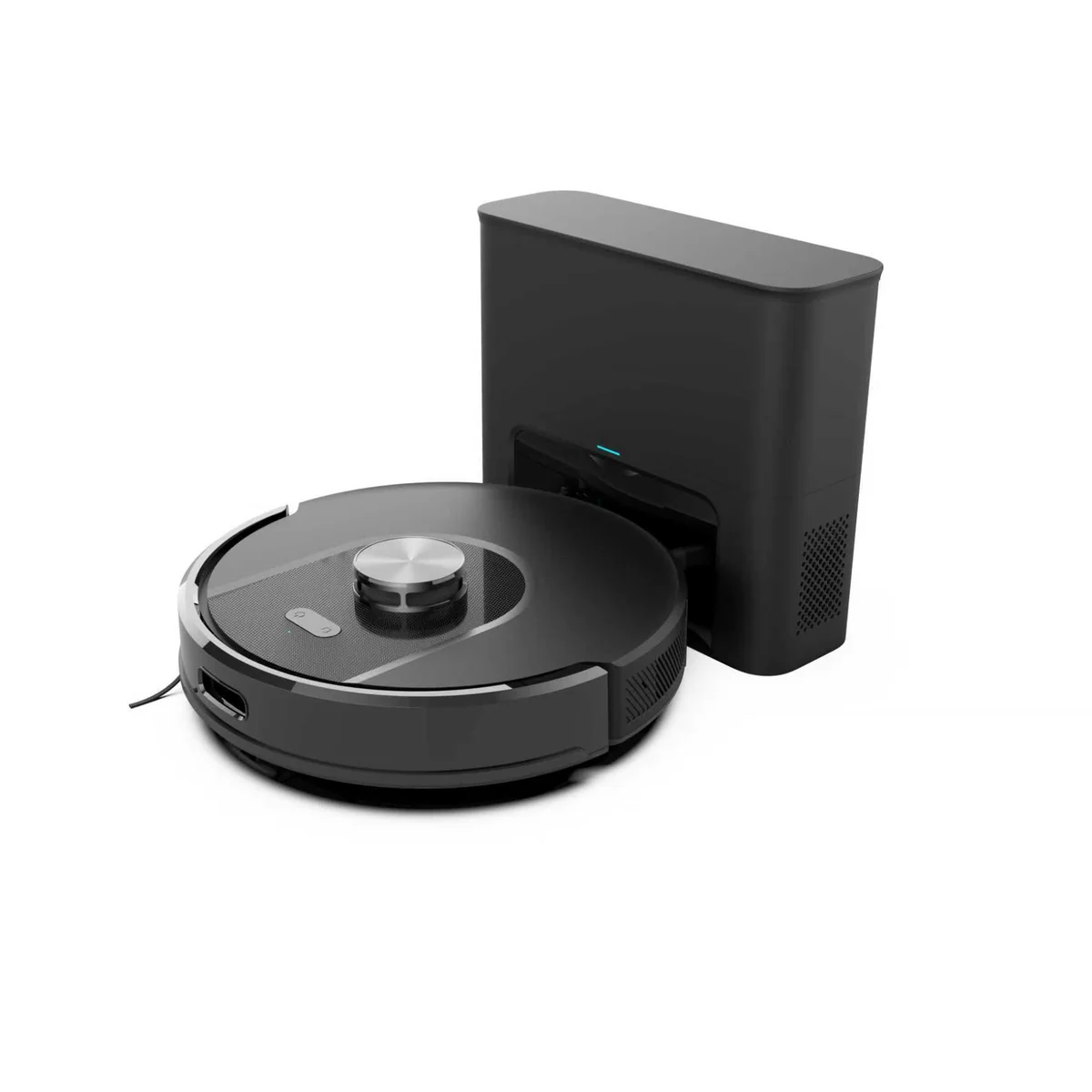
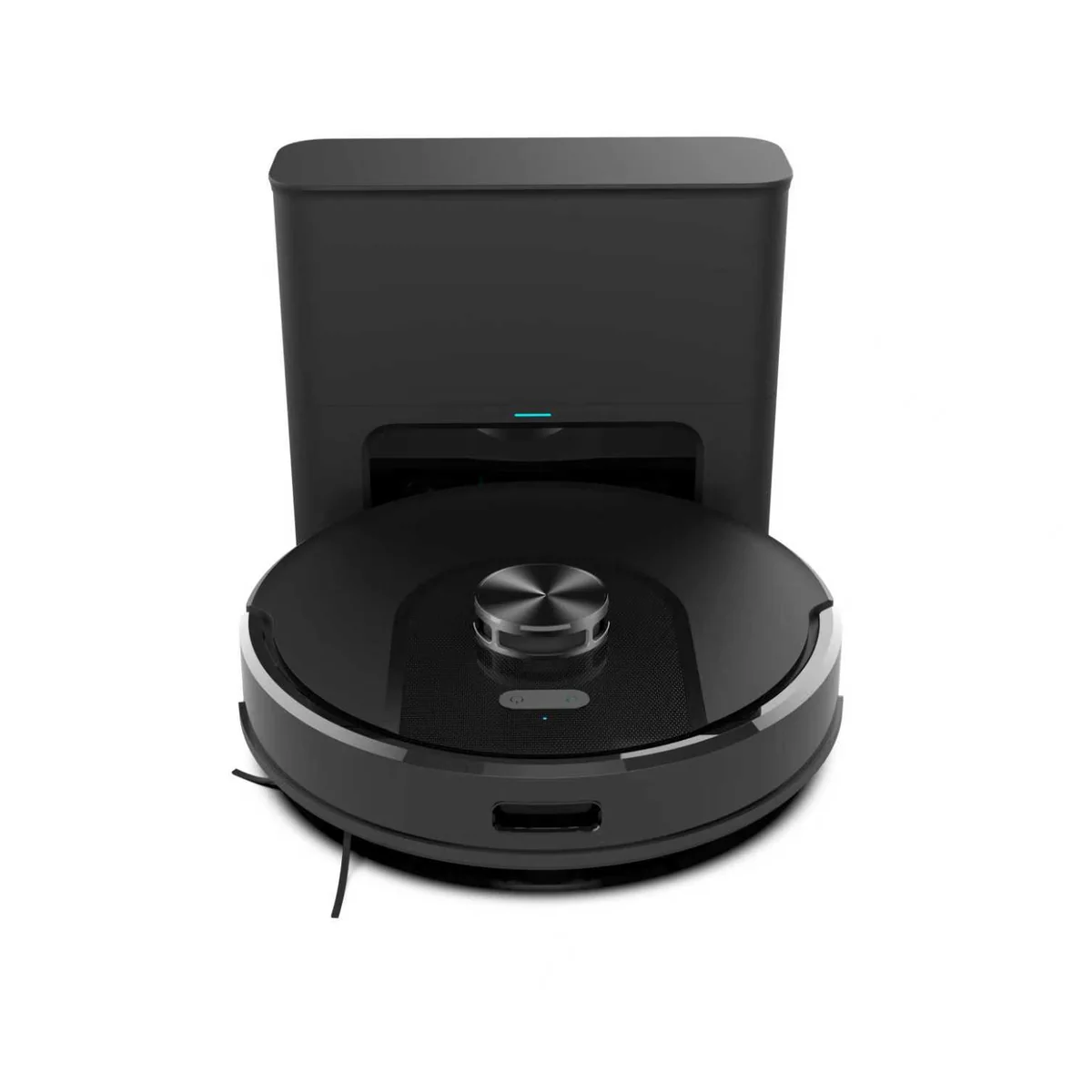
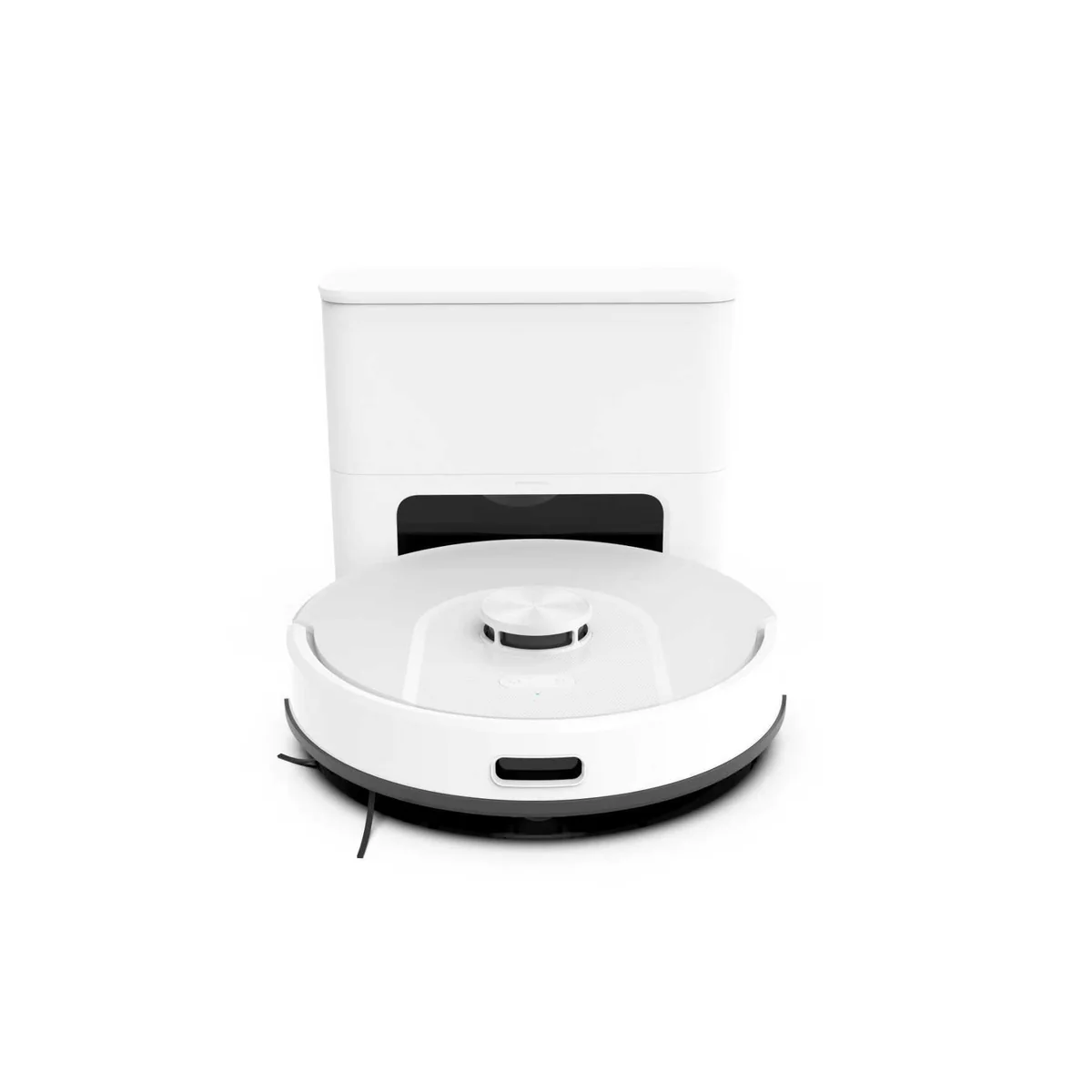
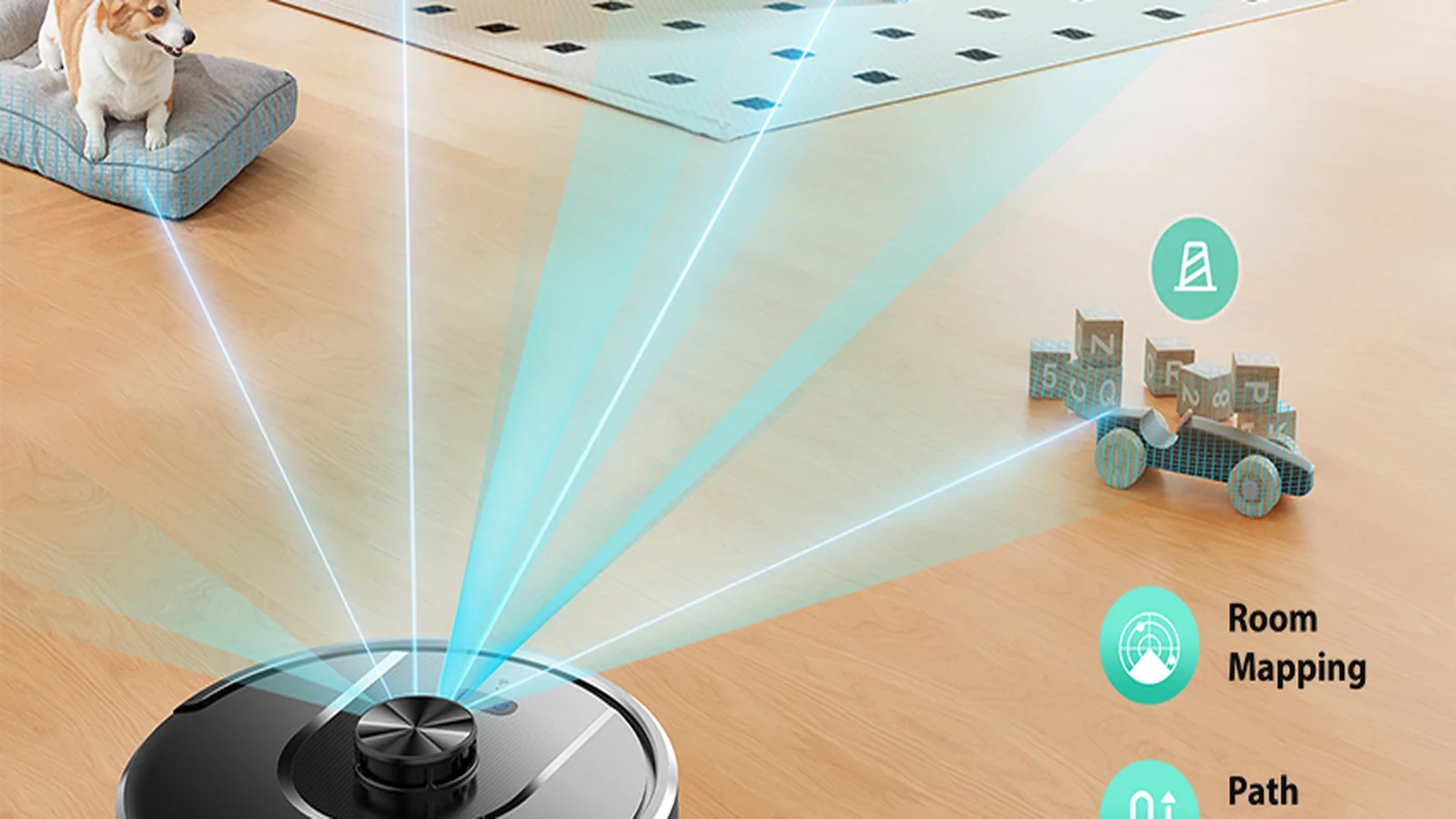
SDL40 LiDAR Robot Vacuum
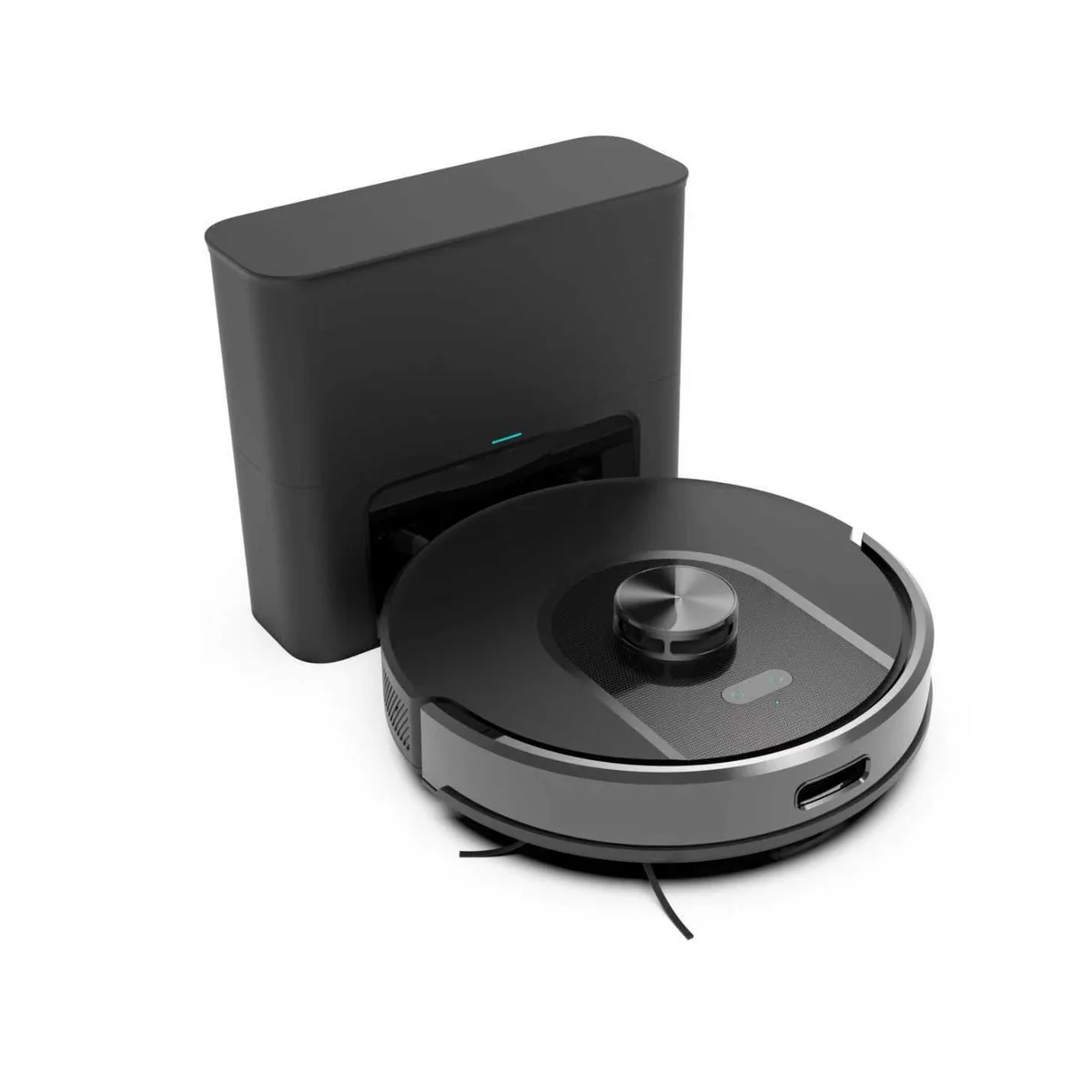
Most of our distributors add laser navigation before anything else — it is the feature shoppers filter for, and the upgrade end customers actually notice. The SDL40 delivers that step up and removes the dustbin from the routine: LiDAR + SLAM mapping, 5000Pa suction across four stages, full app control through Tuya / Smart Life, and a self-emptying dock with a 2L dust bag — weeks without emptying dust. A clear move above gyroscope models, without the price of an all-in-one station.
Core Specifications
- LiDAR + SLAM navigation
- 5000Pa max suction, 4 stages
- Automatic carpet boost
- Room / zone / no-go control
- Tuya / Smart Life + Bluetooth
- HEPA H11 3-stage filtration
- 18 mm obstacle crossing
- Self-emptying dock, 2L dust bag
- 17kPa dock suction
- CE · RoHS · FCC · MSDS
Laser Precision for the Mid-Premium Shelf
Four reasons the SDL40 earns a price above gyroscope models — and still leaves room under the all-in-one flagships.
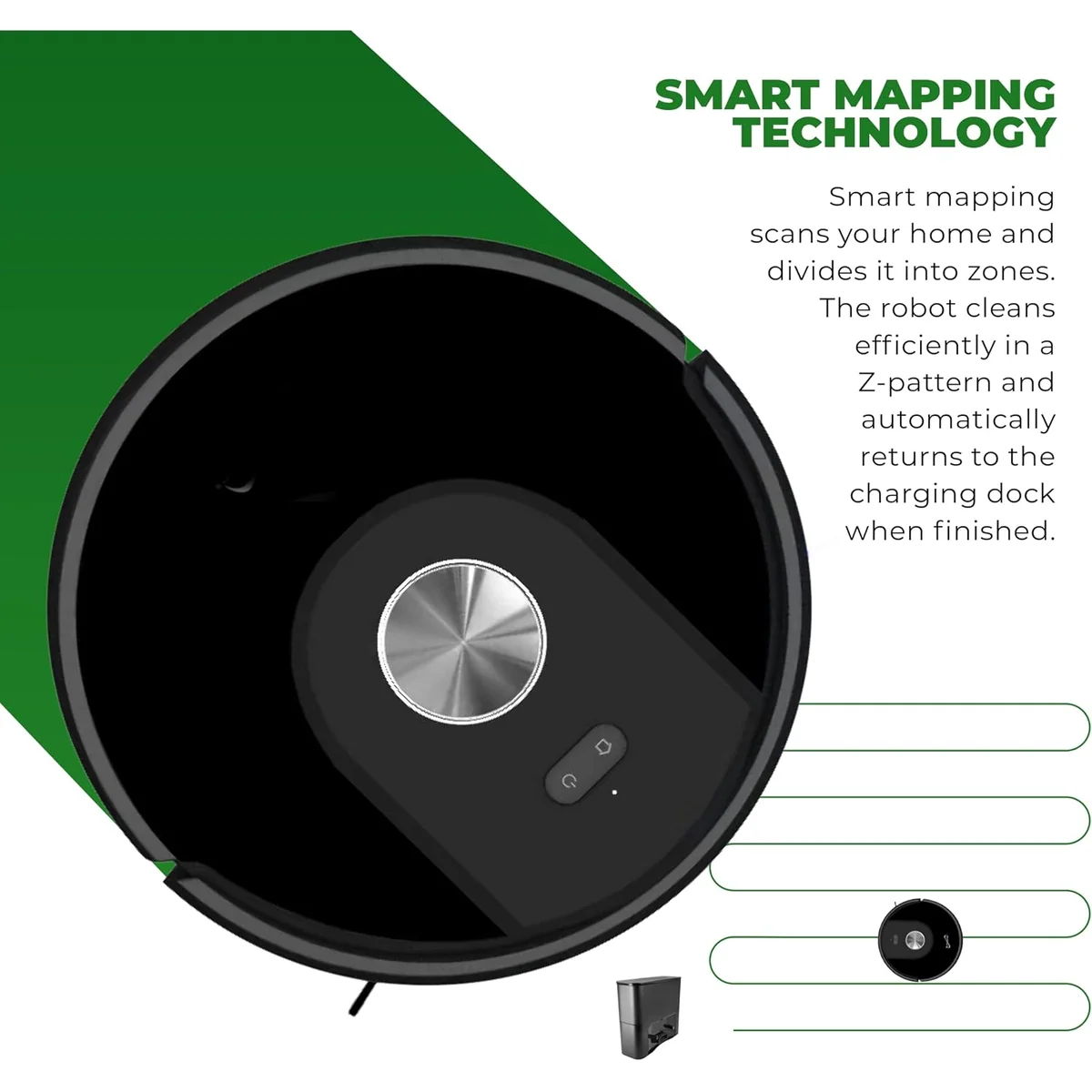
Real room maps, not random passes
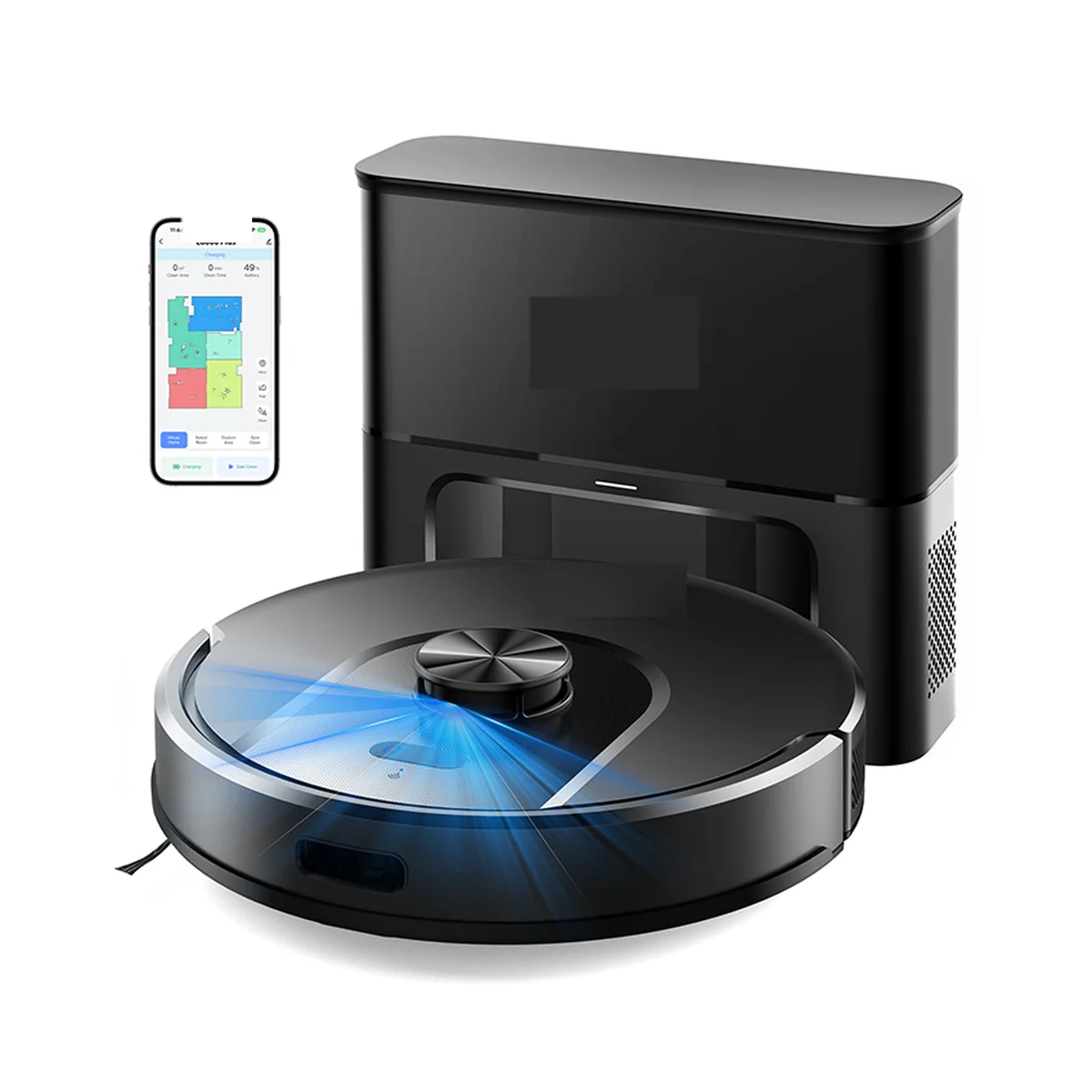
The first run draws an accurate floor plan in the app. Your customers name rooms, send the robot to the kitchen after dinner, and draw virtual walls around pet bowls — the kind of control that justifies a premium price and cuts "it missed a spot" complaints. This is what laser mapping buys you: a cleaning plan the customer can see, instead of a pattern they have to trust.
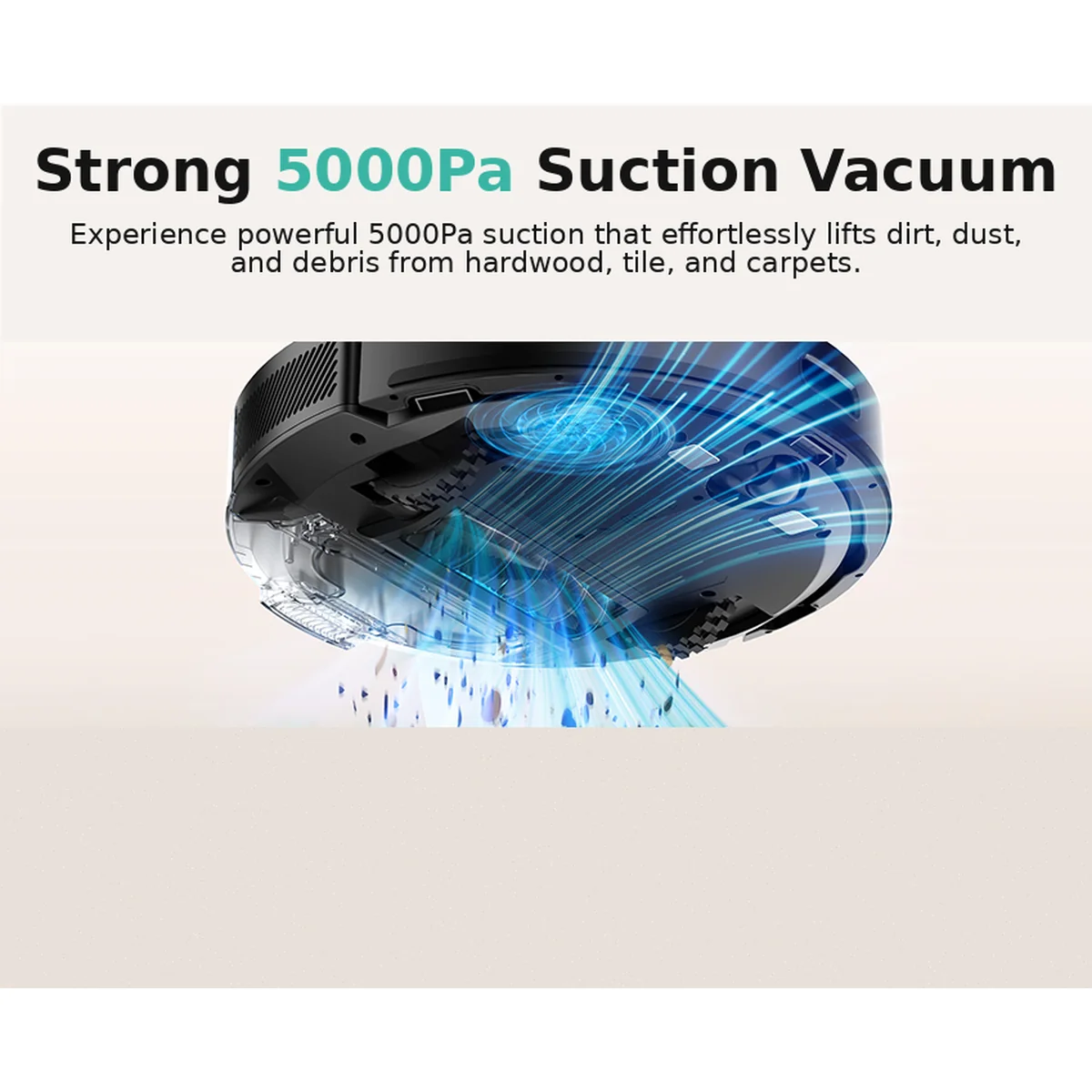
5000Pa that adjusts itself
Four stages from Quiet (≈1000Pa) to MAX (≈5000Pa), with automatic carpet boost when the robot detects carpet. One SKU handles daily hard floors and digs into rugs without the customer touching a setting — fewer variants for you to stock, and a wider range of households covered by a single listing.
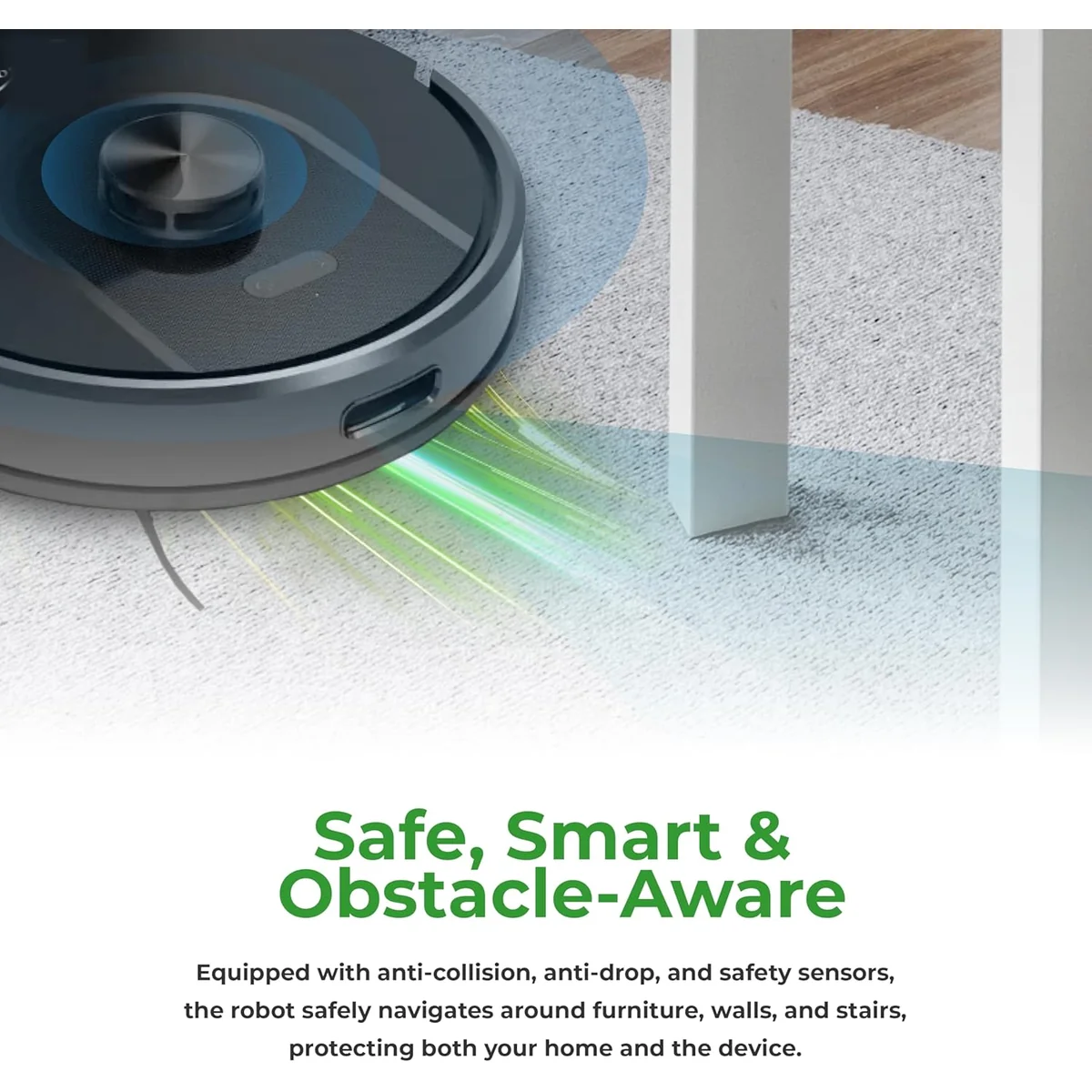
Fewer stuck calls, fewer returns
Drop detection tuned for real homes — no false alarms on dark floors — plus 18 mm obstacle crossing and a documented 95% / 100% re-dock record. Nobody writes a five-star review about a drop sensor, but plenty of one-star reviews start with "it got stuck." These small details are what keep return rates down after the sale.
An app that stays yours
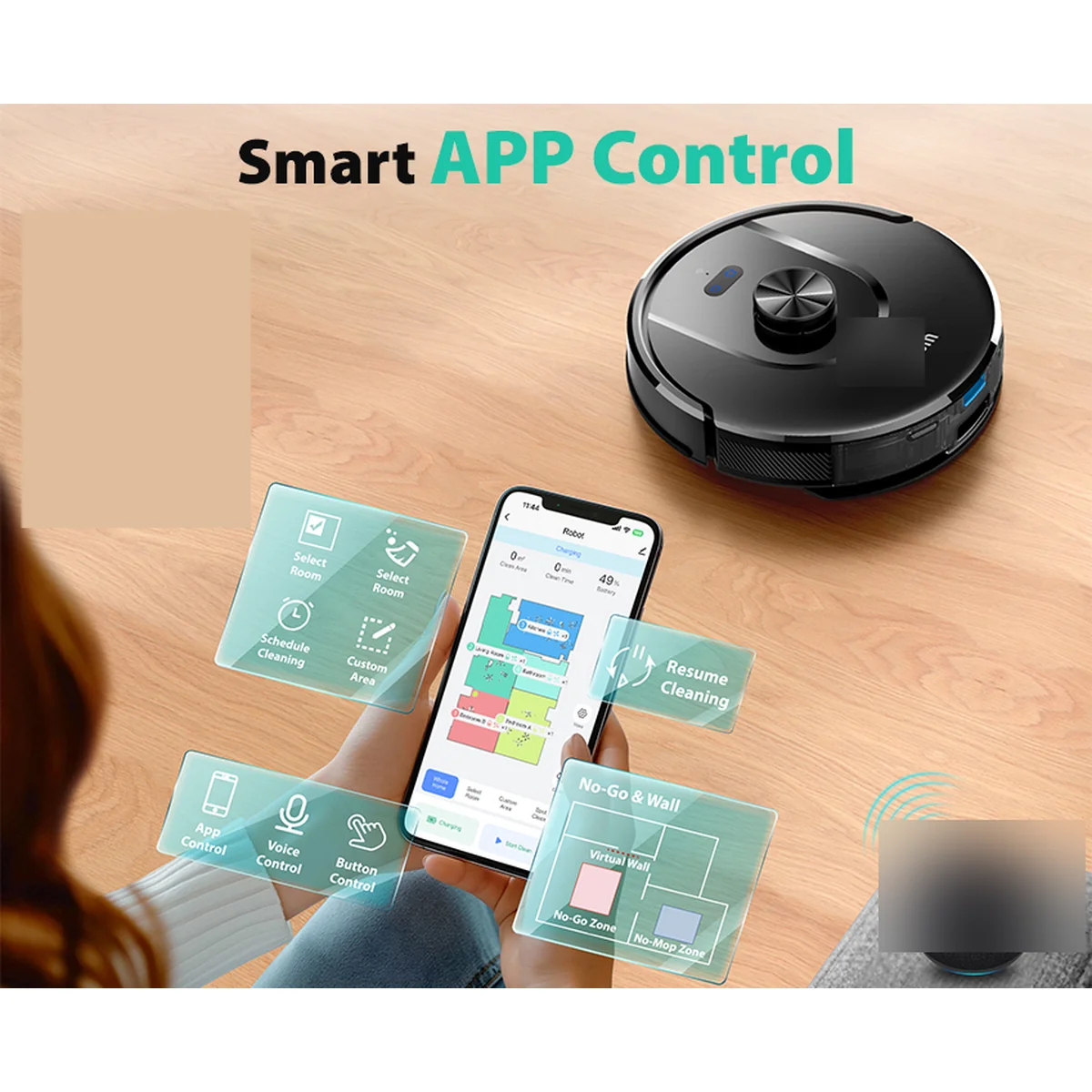
Tuya / Smart Life plus Bluetooth, with OTA upgrades on Android and iOS. Your brand owns the pairing experience from day one — the map your customer opens every morning carries your name, not ours. And because firmware updates over the air, the product keeps improving after it leaves your warehouse.
The Map Is the Product
On a gyroscope robot, the customer never sees what the machine is doing — it cleans in a pattern and hopes for the best. On the SDL40, laser mapping is visible from day one. That visibility changes the economics of your SKU:
- Support costs drop. Room-specific cleaning and virtual walls answer "how do I clean just the kitchen?" before the customer ever emails you.
- Reviews get better. Customers photograph the floor plan in your listing reviews — free social proof that a gyroscope model cannot generate.
- The shelf price holds. Laser mapping is the feature shoppers filter for on marketplaces; it is the hardest thing for a cheaper no-name unit to fake.
That is why distributors moving up from gyroscope ranges start here. As a robot vacuum manufacturer, we calibrate every SDL40 LiDAR module on the line — a crooked map is a failed unit, not a shipped one.
And the dock removes the one chore every robot owner hates: emptying the dustbin.
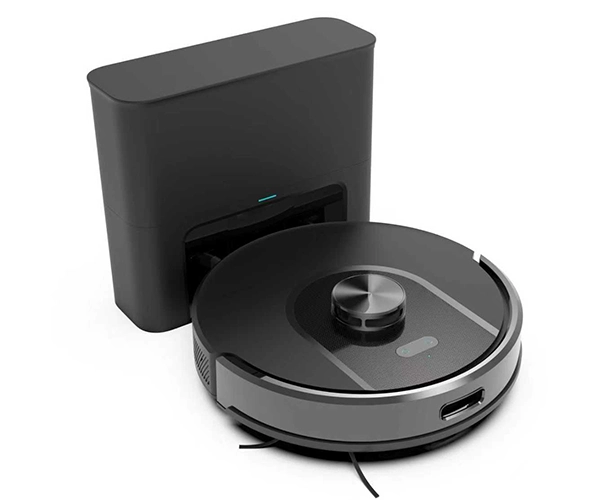
The dock adds a second visible difference. A gyroscope listing shows a robot; an SDL40 listing shows a robot plus a dock. The dock in the box photo tells the shopper "this one empties itself" before they read a word.
How Self-Emptying Works on the SDL40
The feature that sells the upgrade — the customer never touches the dust.
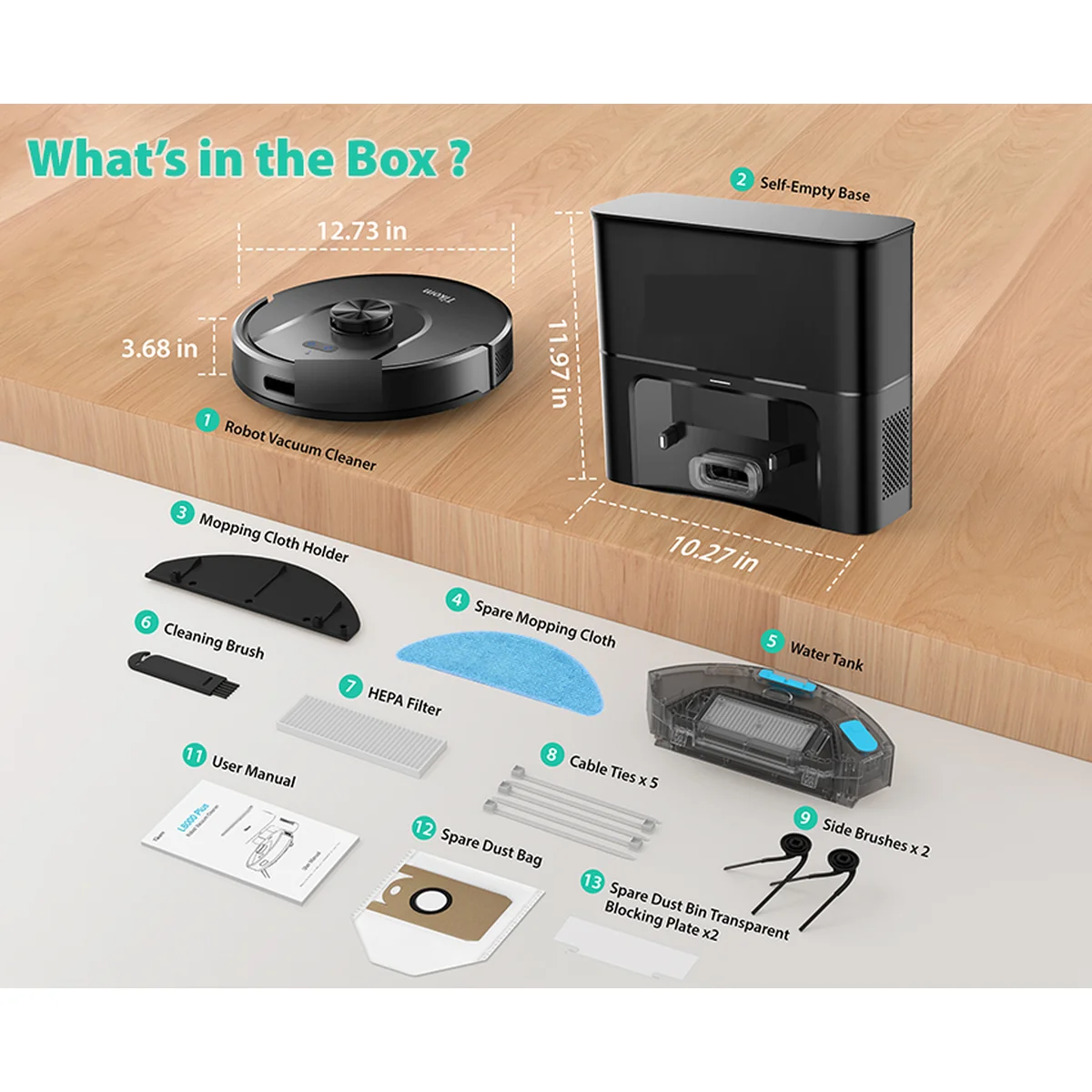
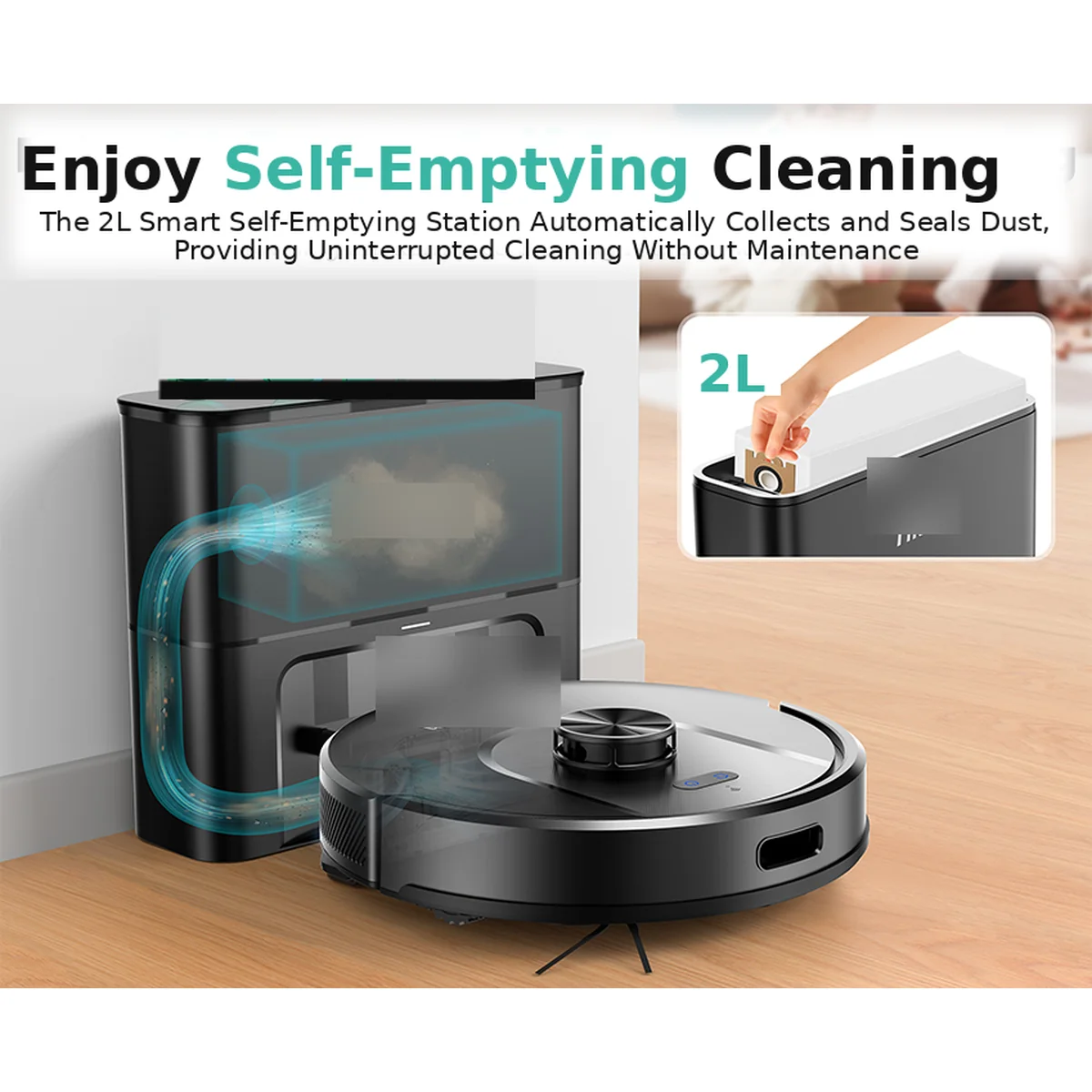
The robot cleans, returns to the dock, and the dock empties the dustbin into a 2L disposable dust bag with 17kPa suction. One bag holds weeks of dust — no daily emptying, no dust cloud over the bin.
Replace the dust bag when it is full. Two spare dust bags are included with every unit. The dock measures 303×103×270 mm — it needs a fixed spot against a wall with clearance around it.
The dock does not wash mops or refill water. The SDL40 is a vacuum plus light-mop unit with a self-emptying dust dock, not an all-in-one station. Customers wanting mop washing and hot-air drying get the SW75.
Put the dock on a flat floor against a wall, with clear space in front of it so the robot can approach and leave without bumping furniture. Do not put it behind a door or in a narrow gap — the robot needs room to align.
The SW75's station holds more dust in its 3L bag, but it is a full station with mop washing and hot-air drying at a different price tier. The SDL40's dock does one job — emptying dust — at a lower price.
After every clean, the robot returns, docks, and the dock empties the dustbin. The customer does not touch the dustbin between bag changes. That is the whole pitch — one sentence in your listing: "You never empty the dustbin."
LiDAR in Real Homes — What It Does, and Where It Stops
Most listings promise a "perfect map." The real test is what happens when life gets in the way. The SDL40 uses LiDAR + SLAM, so it can handle all three of these everyday situations:
- Furniture moved → Rebuild map. Open the app and start a new map. Do not let the robot keep cleaning on an outdated floor plan, or it will treat the old sofa position as a wall.
- Dark floors → no false drop alarm. Drop detection is tuned so it does not treat black tiles as a cliff. The robot keeps cleaning instead of stopping mid-room.
- Multi-map save and recall. The app stores multiple maps, so one robot can cover a two-storey home without rebuilding the map every time.
The one check to do before you promise a customer a perfect under-sofa clean: the SDL40 body is 92.5 mm high. Clearance under most sofas is 95–130 mm, but some low-profile furniture sits at 80–90 mm. Ask customers to measure before they buy — a 92.5 mm body does not fit under an 80 mm sofa.
This is the level of detail that protects your listings and your reviews. Put the height check in your product description; a customer who measures once will not return a robot that does not fit.
The map tools that justify the price: room naming (polygons up to 10 sides), no-go zones that zoom, move, and rotate, cleaning whole-house / zone / spot (2×2 m point-and-clean) / drawn area, resume after interruption, low-battery return, one-click return after fault, and four cleaning gears including mop-only.
A robot that stops in the middle of a room is a return waiting to happen. The SDL40's re-dock success is 95% on the first attempt and 100% on the second. That is the difference between a one-star "kept getting stuck" review and a quiet machine that finishes the job.
If the map looks wrong after moving furniture, rebuild it. Do not let the robot keep cleaning on an old floor plan.
What the SDL40 will not do: it will not wash its own mop or refill water. Those are station-model features at higher prices. For mop washing and hot-air drying, look at the SW75.
Four steps. Zero effort.
Step 1 — Map
LiDAR scans the room, builds a real-time map, and the customer names rooms in the app.
Step 2 — Plan
Virtual walls and no-go zones define where the robot may and may not go.
Step 3 — Clean
Four suction stages, automatic carpet boost, and a 240 ml dustbin + 250 ml water tank handle both dry and damp floors.
Step 4 — Empty
The robot returns to the dock, and the dock empties the dustbin into the 2L dust bag.
The customer does not need to learn any of this. The robot maps, plans, cleans, and empties on its own. The four steps are for your listing copy — they explain in one glance why the SDL40 costs more than a gyroscope model.
SDL40 vs SG30 vs SW75 — Pick the Right Tier
| Feature | SG30 | SDL40 | SW75 |
|---|---|---|---|
| Navigation | Gyroscope | LiDAR + SLAM | dToF LiDAR + line laser |
| Max suction | 3000Pa | 5000Pa (MAX) | 10000Pa |
| Room mapping | No | Yes — rooms, zones, no-go areas | Yes — whole-home + zones |
| Auto-empty dock | No | Self-emptying dock (2L bag) | Auto dust collection (3L bag) + mop washing + hot-air drying |
| Best for | Budget | Mid-premium laser + dock | Flagship all-in-one |
If your customers want a cheaper entry point, start them on the SG30. If they want the full station experience (mop washing + hot-air drying), step up to the SW75. The SDL40 is the sweet spot between them.
Specifications — Verified by the Production Team
| Item | SDL40 |
|---|---|
| Navigation | LiDAR + SLAM |
| Cleaning modes | Zig-zag / zone / designated room / no-go area |
| Suction | 4 stages: Quiet ≈1000Pa / Standard ≈2000Pa / Strong ≈3000Pa / MAX ≈5000Pa (±10%) |
| Carpet boost | Automatic |
| Noise | <65dB |
| Dustbin | 240 ml |
| Water tank | 250 ml, electronic |
| Filtration | 3-stage: sponge + pre-filter + HEPA H11 |
| Dimensions | 320×320×92.5 mm |
| Weight | 2.5 kg |
| Body | ABS |
| Main brush | 16.6 cm + 2 side brushes |
| Obstacle crossing | 18 mm |
| Drop detection | White floor >8 cm; no false trigger on black floor |
| Re-dock success | 95% first attempt / 100% second |
| Virtual wall | Yes |
| Battery | Li-ion 2600mAh |
| Self-emptying dock | 2L dust bag, 17kPa dock suction; dock 303×103×270 mm |
| Dust bags | 2L disposable, 2 spares included |
| App | Tuya / Smart Life + Bluetooth, 2.4GHz, OTA upgrade, Android/iOS |
| Loading quantity | 550 / 1100 / 1300 pcs per 20′ / 40′ / 40HQ container |
| Certifications | CE / RoHS / FCC / MSDS (ETL/UL on request) |
| MOQ | 500 pcs |
| Trade term | FOB Shenzhen |
SDL40 App Features
- Multi-map save/recall: Save multiple floor maps; the robot repositions on the correct map automatically.
- Repositioning: Returns to its place after being moved mid-run, no re-map needed.
- Map boundary beautification: Smooths rough edges on saved maps so rooms look clean in the app.
- Room naming: Name rooms with polygons up to 10 sides.
- No-go zones: Draw zones that zoom, move, and rotate.
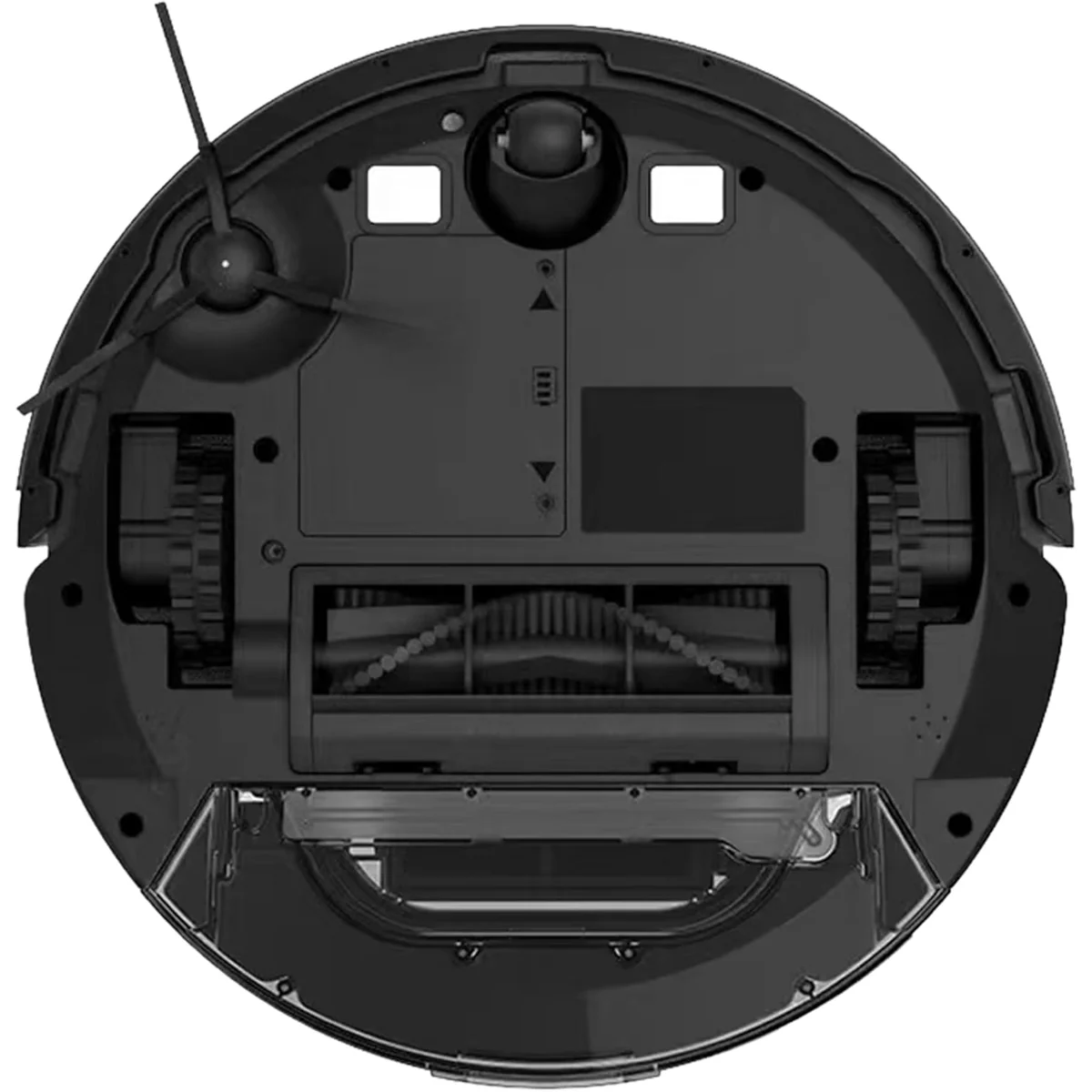
The numbers that matter for a distributor: suction stages, carpet boost, re-dock success, and the 2L dock bag. The four suction stages and automatic carpet boost cover hard floors and rugs with one SKU. The re-dock record keeps returns low. The dock bag holds weeks of dust, so the customer rarely touches the dustbin.
A check worth doing on every sample: run the robot in a room with a dark floor. If it stops and reports a drop, the sensor is wrong. The SDL40 is tuned not to false-trigger on black tiles — this is the most common complaint we see on cheaper laser models, and it is the first thing we test on a sample.
The dock matters for shelf space: the SDL40 ships as a unit + dock bundle. The dock is 303×103×270 mm and needs a fixed spot against a wall. Tell your customers to leave clearance around it — a dock jammed between furniture cannot receive the robot cleanly.
The spec table is the contract. If a number in your listing differs from this table, the table is right. Check your listing against it before you publish — a wrong suction number in a listing is a return waiting to happen.
Four Suction Stages — How to Use Them
One SKU, four gears. Match the gear to the job, and the battery will thank you.
The SDL40 runs four suction stages: Quiet ≈1000Pa, Standard ≈2000Pa, Strong ≈3000Pa, and MAX ≈5000Pa. They are not four levels of the same clean — they are four different jobs.
- Quiet ≈1000Pa — Daily hard-floor dust and crumbs; quietest, longest runtime.
- Standard ≈2000Pa — Everyday all-round clean on tile and wood.
- Strong ≈3000Pa — Heavier dust and rug edges.
- MAX ≈5000Pa — Deep clean on thick carpet and corners.
Higher stages drain the battery faster, and MAX has the shortest runtime. For a two-storey house, the customer can run Standard downstairs and save MAX for the carpeted upstairs — the app remembers the plan.
Automatic carpet boost does the switching for them. When the robot detects carpet, suction rises automatically — the customer does not have to learn the four stages to get a good clean.
For most listings, recommend Standard as the everyday default and MAX for carpet. Quiet is for night cleaning when noise matters more than power. Strong covers heavier dust and rug edges. Put this in your listing's "how to use" section — a customer who knows which gear to pick will not blame the robot for a missed crumb.
App Mapping & Onboarding — From Box to First Map
The app is Tuya / Smart Life plus Bluetooth, 2.4GHz, with OTA upgrades on Android and iOS. Out of the box, the customer pairs the robot, runs a first mapping pass, names rooms, and draws no-go zones — the first map takes one run.
Pairing failure is the most common first-day support ticket on any robot vacuum. The fix is usually simple: check the phone is on 2.4GHz Wi-Fi (not 5GHz), restart the robot, and re-pair. Put this in your quick-start card — it saves a support email and a return.
The remote does not fully replace the app. It starts, stops, and returns the robot, but room naming, no-go zones, and multi-map recall live in the app. Tell customers the remote is a backup, not a substitute.
What the app cannot do: it cannot make the robot climb stairs, wash its own mop, or refill water. Those are hardware limits, not software limits — no firmware update will change them.
OEM app branding: the app can carry your brand. Ask us about private-label app options when you place your OEM order.
Run the first mapping pass with the floor clear — pick up shoes, cables, and pet toys so the first map is clean. A clean first map means fewer no-go zones to draw later.
Who Buys the SDL40
Online sellers
Listings that show the map in photos and mention "laser" in the filter sell faster than gyroscope listings at the same price. The SDL40 gives you that filter keyword and a map screenshot worth putting in the gallery.
Distributors
A step-up SKU that lifts average order value. Once a customer buys a laser model, they rarely go back to gyroscope — the SDL40 is the ladder your range needs.
Retail brands
Premium shelf presence at a mid-premium cost. Laser mapping and a self-emptying dock justify the shelf price without the weight of a full station.
Gift / promotion buyers
A premium-feeling gift that does not need a long explanation. The map on the box and the dock in the photo do the talking.
Buyers with furniture clearance below 92.5 mm — the body will not fit under their sofa. Buyers who want mop washing and hot-air drying — they need the SW75 station. Buyers who want the lowest possible price — point them to the SG30.
The common thread: every buyer above is buying the map and the dock, not just a vacuum. Your listing photos should show both — the map on the phone screen and the dock in the box. A photo of the robot alone could be any gyroscope model; a photo of the map and the dock is unmistakably the SDL40.
Four Channels for a Laser Model
The same robot, four different pitches. Do not sell it the same way everywhere.
E-commerce
Put the map in your photos and "laser" in your filter. Shoppers who filter by laser navigation never see your gyroscope listings — the SDL40 is the only SKU that reaches them.
Distributors
The SDL40 is the step-up SKU. Your gyroscope customers already trust you; the SDL40 is the next rung up the ladder. The SG30 opens the account; the SDL40 grows revenue.
Retail brands
Premium shelf presence. Laser mapping and a self-emptying dock justify a higher shelf price, and the dock in the box makes the shelf display look complete.
Do not start a price war
If a competitor undercuts you on laser models, do not discount the SDL40 to fight it. Cut your margin once and the market remembers the lower price. Sell the map, the dock, and the support — not the discount.
Which channel to start with: if you already sell gyroscope models, start with your existing distributors — they already trust your quality, and the SDL40 is an easy upsell. If you are new to robot vacuums, start with e-commerce — the laser filter does the targeting for you.
OEM & Factory — Your Brand, Our Line
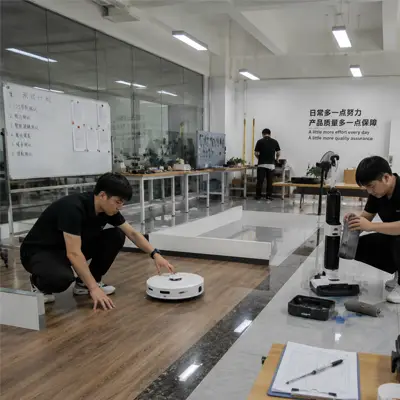
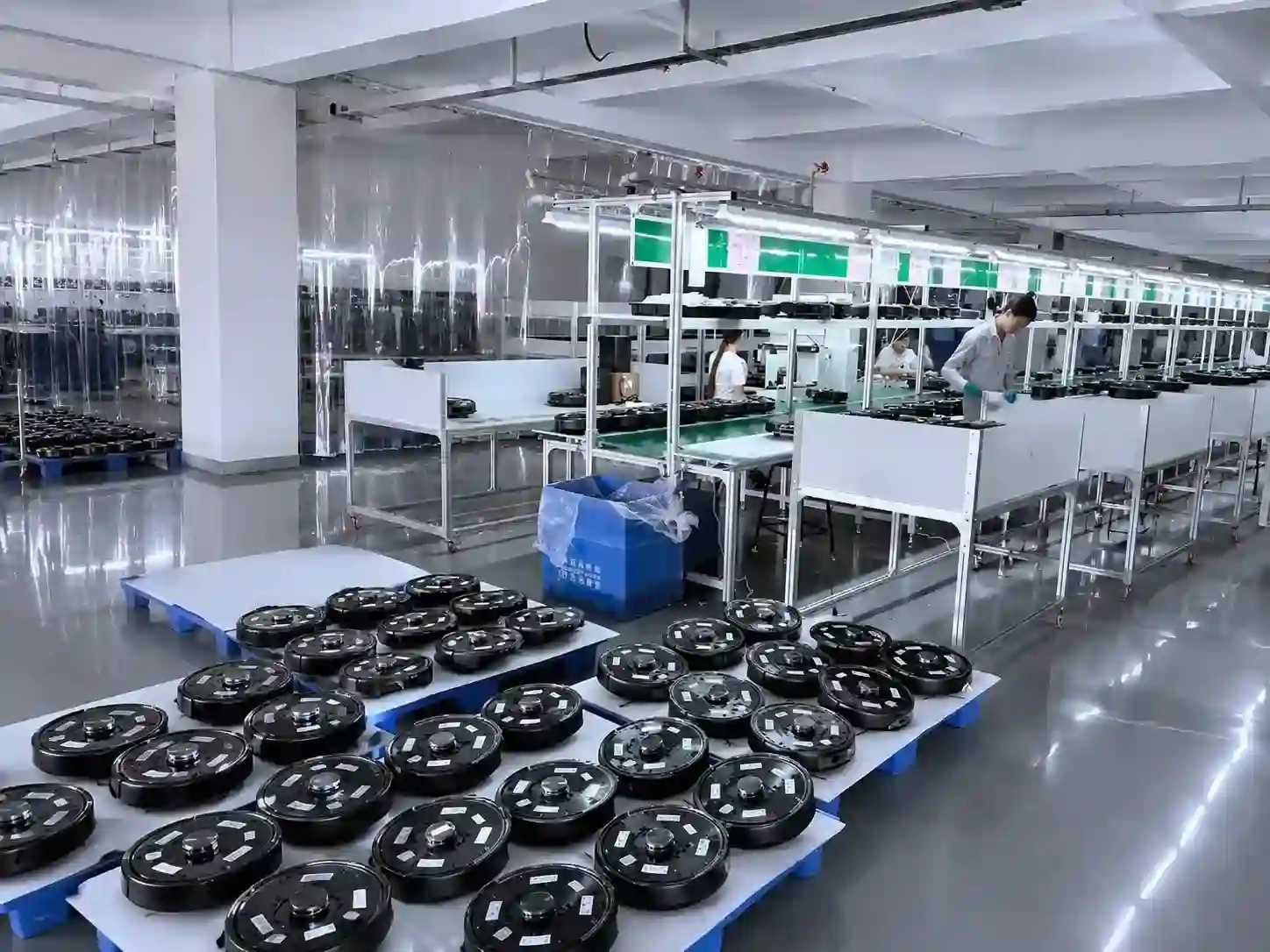
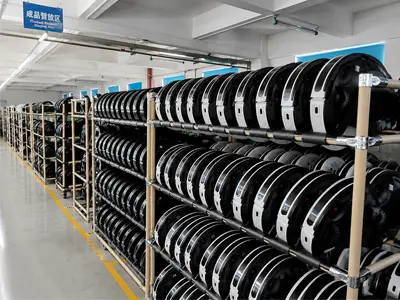
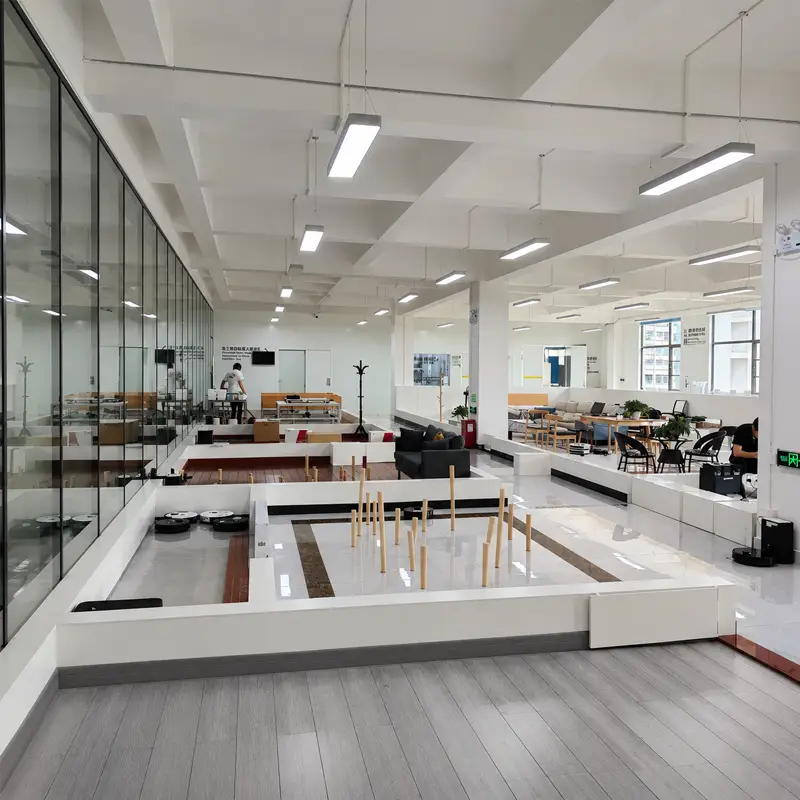
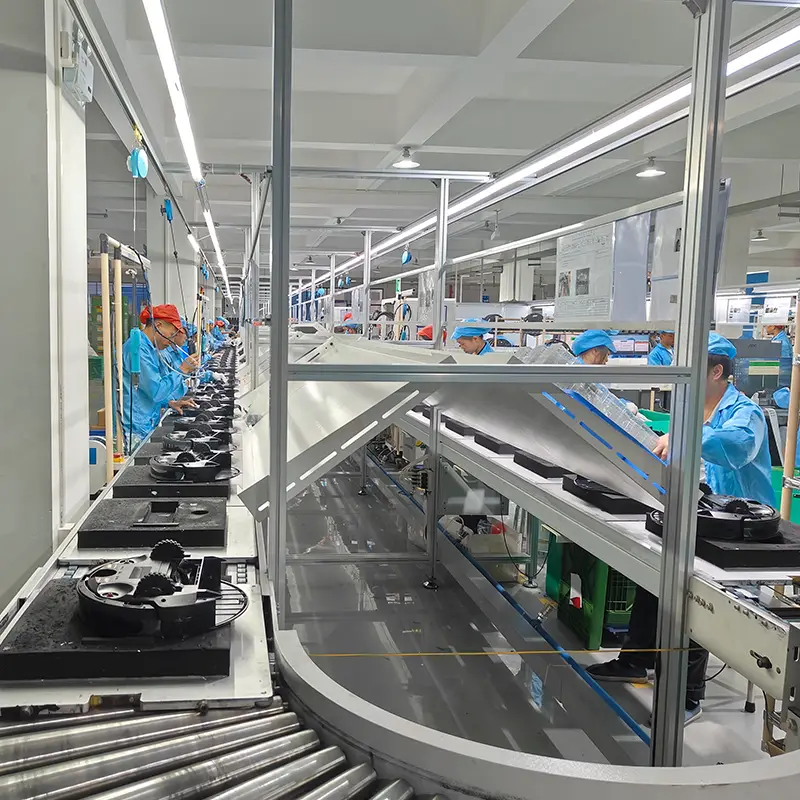
We build the SDL40 on 6 production lines. Every unit gets: LiDAR module calibration, 3.5-hour full-function aging test, battery test, drop sensor test, dust bag fit test, dock emptying test, appearance inspection, and 100% pre-shipment inspection.
- Private-label packaging and manuals.
- Custom color and logo.
- App branding (Tuya / Smart Life).
- Custom accessories kit.
- Custom carton labels and barcodes.
Our QC team tests the SDL40 harder than the gyroscope models, because laser navigation is where customers notice a defect first. A gyroscope robot that drifts a little still cleans; a laser robot with a bad map cleans the wrong rooms. That is why we calibrate every SDL40 LiDAR module on the line, and why we test re-dock success on every sample.
Artwork lock: send us your logo and packaging artwork before production. Every unit ships with your brand — no Kingbot branding on the product. Once artwork is locked, production starts from the approved spec.


Inside the SDL40
- LiDAR module — maps the room with laser precision.
- Main brush (16.6 cm) + 2 side brushes — covers corners and edges.
- HEPA H11 filter — traps fine dust and allergens.
- 2-in-1 dustbin + water tank — 240 ml dustbin + 250 ml electronic water tank.
- Self-emptying dock — 2L disposable dust bag, 17kPa dock suction, dock 303×103×270 mm; the dock empties the dustbin after every return.
Every component above is tested on the line before the unit ships. The LiDAR module is calibrated, the dock emptying is tested, and the drop sensor is tested on a dark floor. A component that fails is a unit that does not ship.
Certifications & Compliance
- CE
- RoHS
- FCC
- MSDS
- ETL/UL on request
Full test reports are available on request. If your market needs additional certification, ask us before you place the order — we will confirm what is available and what needs a project.
From First Laser Order to Repeat Order
A distributor adding their first LiDAR model ran a 500-unit trial order, tested the sample for two weeks, and confirmed the order. The first container shipped in 40 days. The second order followed within 6 months. The sample test is the moment that matters — the SDL40's map, re-dock record, and dock emptying are what close it.
The sample checklist in the FAQ is the same one we use on the line. If your sample passes it, the production run will too.
What made the second order happen: the first order's customers did not return the robots. The map, the re-dock record, and the dock emptying held up in real homes — that is what turns a trial into a repeat order.
Sample-to-Shelf — The Full Flow
Step 1 — Sample
Request a sample. Test it against the checklist in FAQ Q15 — mapping accuracy, app pairing, re-dock, dock emptying, drop detection, four suction stages, noise, appearance, accessory completeness, and packaging integrity.
Step 2 — Artwork
Lock your packaging artwork and logo. Every unit ships with your brand — no Kingbot branding on the product.
Step 3 — Inspection
Navigation-first inspection. The first thing we test is the map: a crooked map is a failed unit, not a shipped one.
Step 4 — Logistics
At 500 units you fill most of a 20ft container (550-unit load), so consolidated sea freight is economical. The 550-unit 20ft load makes landed-cost math straightforward. The SDL40 ships as a unit + dock bundle.
Step 5 — Listing while the sample is approved
While your sample is in testing, we can prepare your listing copy, photos, and packaging. The SDL40's map screenshots and dock photos are ready to use. A listing that goes live the day the sample is approved sells weeks earlier than one that starts after approval.
Step 6 — Written confirmation
Before production starts, confirm in writing: model, quantity, artwork, packaging, certifications, and delivery terms. A written confirmation protects both sides.
Step 7 — Reorder
After the first order sells through, reordering repeats the same flow — artwork is already locked and the sample is already approved. Confirm quantity and delivery terms in writing, and production starts from the same approved spec.
SDL40 vs Other Laser Options
SDL40 vs SG30
Different navigation, different price. The SG30 uses gyroscope navigation — no room mapping, no virtual walls, no dock. The SDL40 adds LiDAR + SLAM, room/zone control, virtual walls, and a self-emptying dock. If your customer wants the cheapest robot that cleans, sell the SG30. If they want a map and a dock, sell the SDL40.
SDL40 vs SW75
Different station, different price. The SDL40's dock empties the dustbin — nothing more. The SW75's station also washes mops, dries them with hot air, and collects dust into a 3L bag. If your customer wants hands-free dust disposal only, the SDL40 is enough. If they want the full station experience, step up to the SW75.
Against other brands' laser models: check their re-dock record, their drop-detection behavior on dark floors, and whether their map survives a furniture move. Those are the three places where cheap laser models fail. The SDL40's numbers are in the spec table — 95% / 100% re-dock, no false trigger on black floor, multi-map save and recall. Ask your supplier for the same three numbers before you compare prices.
Competitor-listing check: open the top 5 laser-model listings in your market. Note their price, their map screenshot, and whether they mention a dock. If none of them mention a self-emptying dock, the SDL40's dock is your differentiator — put it in your title and your first photo.
Landed-cost math: take the FOB price, add freight and duty, divide by the units in your container (550 / 1100 / 1300), and compare against the shelf price of the top 5 listings. If the margin is under 20%, negotiate volume or choose a different channel — do not cut the SDL40's price to fit a bad margin.
Terms & Ordering
- MOQ: 500 pcs per model.
- Trade term: FOB Shenzhen. Per-container quantities are in the spec table.
- Payment: Standard terms on confirmation.
- Lead time: Confirmed after order.
- Samples: Available for testing. Ask us about sample terms.
Wholesale programs are available for distributors and brands. Ask us about wholesale terms, packaging, and private-label options.
See It Work
Frequently Asked Questions
What is the MOQ for the SDL40?
SDL40 or SG30 — which suits my channel?
How does LiDAR + SLAM differ from gyroscope navigation?
Can I buy the SDL40 without the dock?
Which app does the SDL40 use?
What certifications does the SDL40 have?
Can I private-label the SDL40?
How is the SDL40 shipped?
How long does an OEM order take?
How do I get a sample?
What if the map looks wrong after I move furniture?
Will the SDL40 fit under my sofa?
Which spares should I stock?
Does the SDL40 work in multi-storey homes?
What should I test when the sample arrives?
Ask About SDL40 MOQ, Samples & OEM
Tell us your market, your channel, and your volume. We will confirm samples, MOQ, artwork, and delivery terms in writing.